Bring three cities to the top
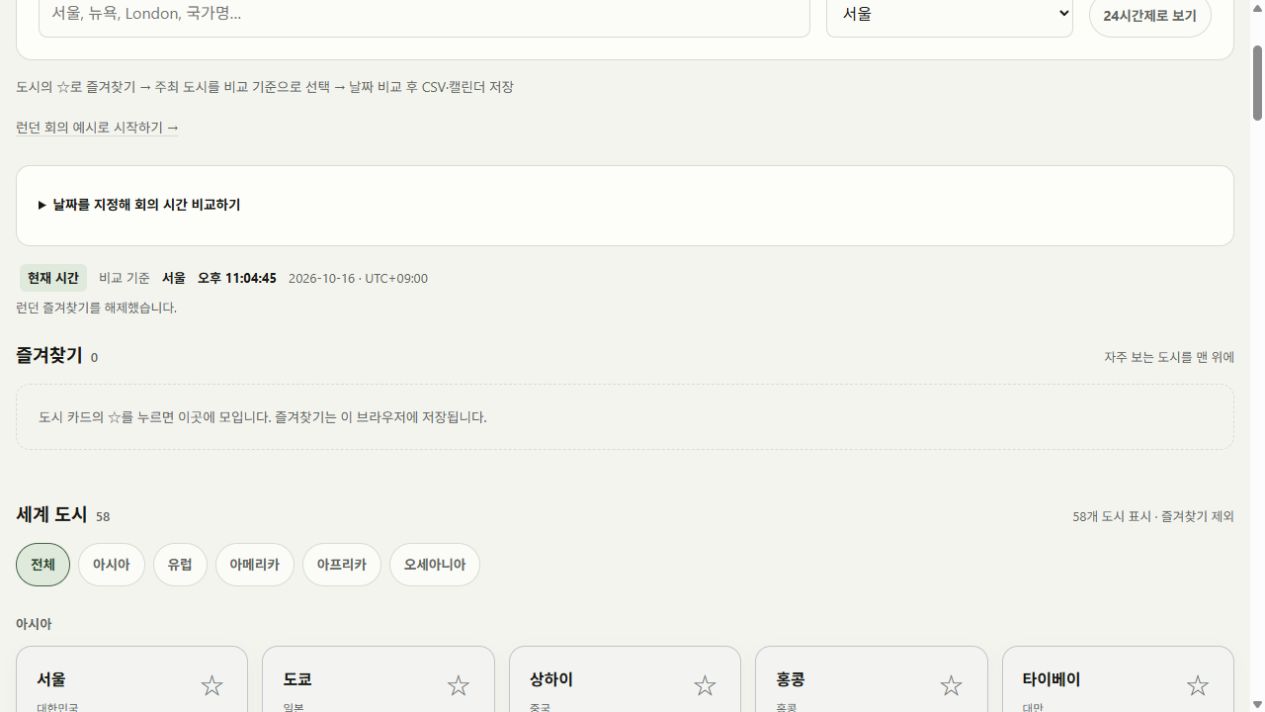
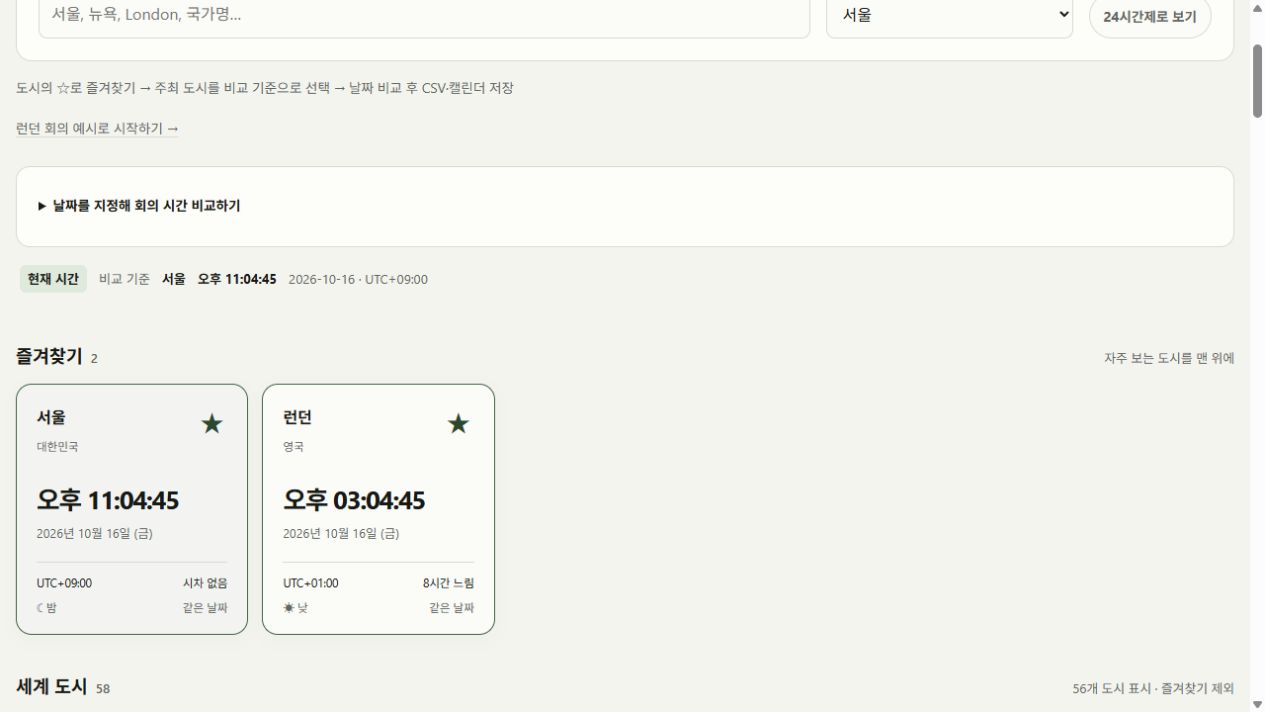
Open World Clock and press ☆ on Seoul. The card moves to Favorites. Star New York and London in the same way; cards appear in the order you added them. Press ★ to return a city to its regional directory.
A return visit restores the list when this browser retains the site data. It is not shared with another device. A private session or blocked storage may preserve it only for this visit; check the storage status message.
Combine search with regional filters
Search for New York, 뉴욕, United States or America/New_York. A country search can find several cities. Select Americas to limit the directory to that region.
If nothing matches, select All and shorten the search. Favorites are unaffected by the query and regional filter, so a city you already pinned remains available above the results.
Read differences against Seoul
Choose Seoul as the comparison reference. Ahead/behind and date labels now refer to Seoul, while each large clock still shows its city’s local time. Changing the first favorite does not change this reference.
Seoul is UTC+09:00 and Kathmandu is UTC+05:45, so Kathmandu is 3 hours 15 minutes behind. At 00:30 in Seoul, Kathmandu shows 21:15 on the previous date. Reading both the hour and the date prevents confusion around midnight.
Separate now from a future appointment
Cards display your device clock in each city’s time zone. Day/night uses a simple local 06:00–17:59 split and does not calculate sunrise or sunset. A wrong device clock makes all of these clocks wrong by the same amount.
For a future appointment, expand the dated comparison and apply the host city’s local date and time. Every card uses the offset at that instant. Save a valid comparison of favorites as CSV. Use the separate ticket time tool for a ticket website’s response timestamp.
Check what is saved on a return visit
Favorite Seoul and London, choose 12-hour time and set Seoul as the reference. Reload: cities and display settings return, while time returns to now. The dated comparison input is not saved permanently.
Clearing site data removes favorites. A downloaded CSV remains in your download folder but is not an import file for restoring favorites. Different browser profiles keep separate city lists for personal and work use.